33.0 - Last modified on 2026-09-16 Revised by Peyton Armstrong
32.0 - Last modified on 2026-09-16 Revised by Peyton Armstrong
31.0 - Last modified on 2026-09-16 Revised by Peyton Armstrong
30.0 - Last modified on 2026-05-12 Revised by Peyton Armstrong
29.0 - Last modified on 2025-02-02 Revised by Peyton Armstrong
28.0 - Last modified on 2024-10-15 Revised by Darrick Bremner
27.0 - Last modified on 2024-05-16 Revised by Darrick Bremner
26.0 - Last modified on 2024-05-03 Revised by Peyton Armstrong
25.0 - Last modified on 2024-05-03 Revised by Darrick Bremner
24.0 - Last modified on 2024-05-03 Revised by Darrick Bremner
23.0 - Last modified on 2024-04-29 Revised by Peyton Armstrong
22.0 - Last modified on 2024-04-26 Revised by Peyton Armstrong
21.0 - Last modified on 2024-04-26 Revised by Peyton Armstrong
20.0 - Last modified on 2024-04-26 Revised by Peyton Armstrong
19.0 - Last modified on 2024-04-26 Revised by Peyton Armstrong
18.0 - Last modified on 2024-04-26 Revised by Peyton Armstrong
17.0 - Last modified on 2024-04-26 Revised by Peyton Armstrong
16.0 - Last modified on 2024-04-26 Revised by Peyton Armstrong
15.0 - Last modified on 2024-04-26 Revised by Peyton Armstrong
14.0 - Last modified on 2024-04-26 Revised by Peyton Armstrong
13.0 - Last modified on 2024-04-26 Revised by Peyton Armstrong
12.0 - Last modified on 2024-04-26 Revised by Peyton Armstrong
11.0 - Last modified on 2024-04-26 Revised by Peyton Armstrong
10.0 - Last modified on 2024-04-26 Revised by Peyton Armstrong
9.0 - Last modified on 2024-04-26 Revised by Peyton Armstrong
8.0 - Last modified on 2024-04-15 Revised by Peyton Armstrong
7.0 - Last modified on 2024-02-29 Revised by Peyton Armstrong
6.0 - Last modified on 2023-11-02 Revised by Peyton Armstrong
5.0 - Last modified on 2022-07-19 Revised by Darrick Bremner
4.0 - Last modified on 2022-06-10 Revised by Peyton Armstrong
3.0 - Last modified on 2021-06-17 Revised by Nik Davlantis
2.0 - Last modified on 2021-03-11 Revised by Chadwick Seagraves
1.0 - Created on 2019-04-01 Authored by Peyton Armstrong
This document is intended to provide information to end users on how the NCSU configured macOS self-service tools work and what functionality can be provided through those tools.
Information
Every OIT managed macOS computer will have the Self Service application installed in the Applications folder.

What can I do?
Self Service tools allow users to configure and perform many functions on their macOS device. These tools have been provided to make these functions simplified for end users and configured to maintain security in the NCSU environment.
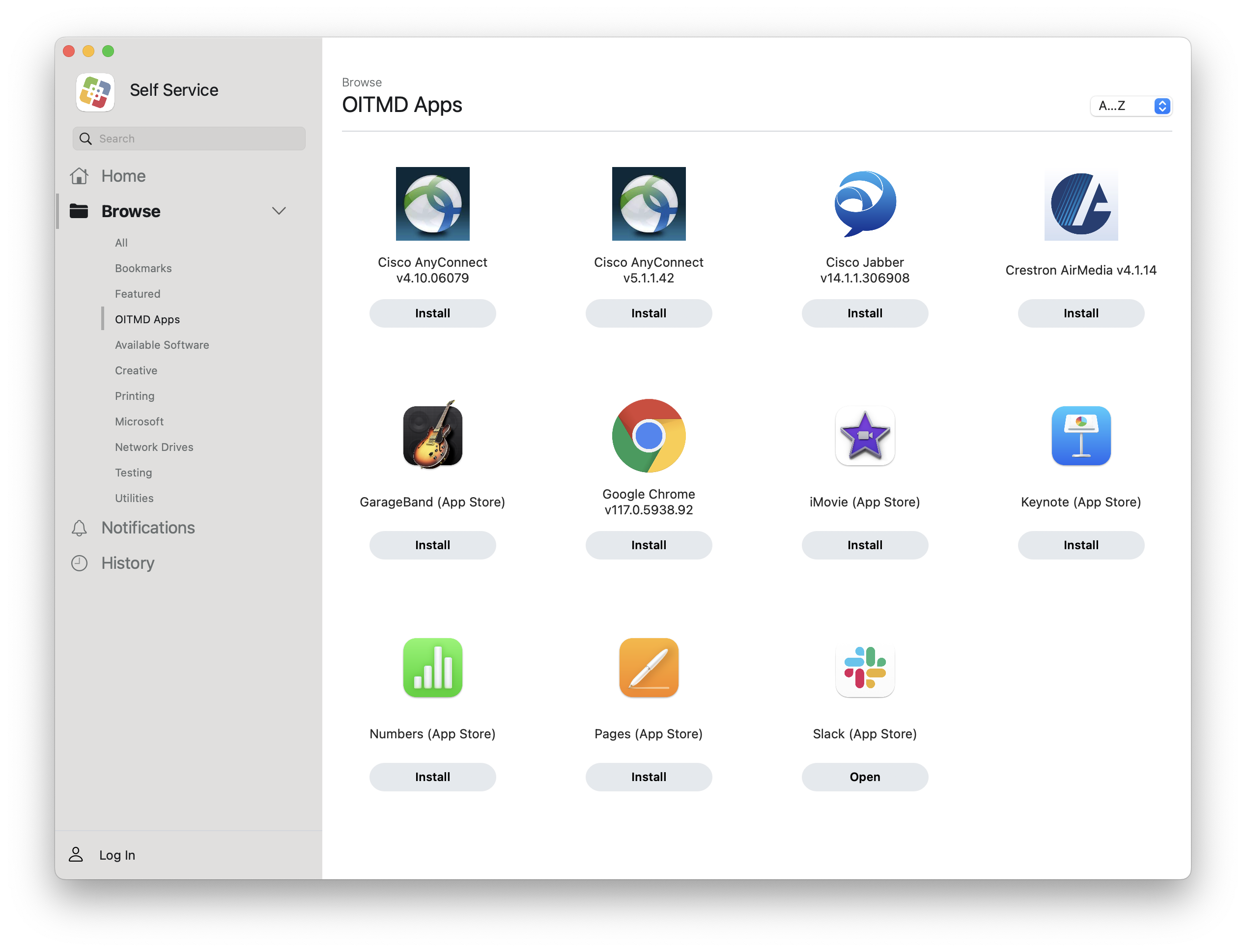
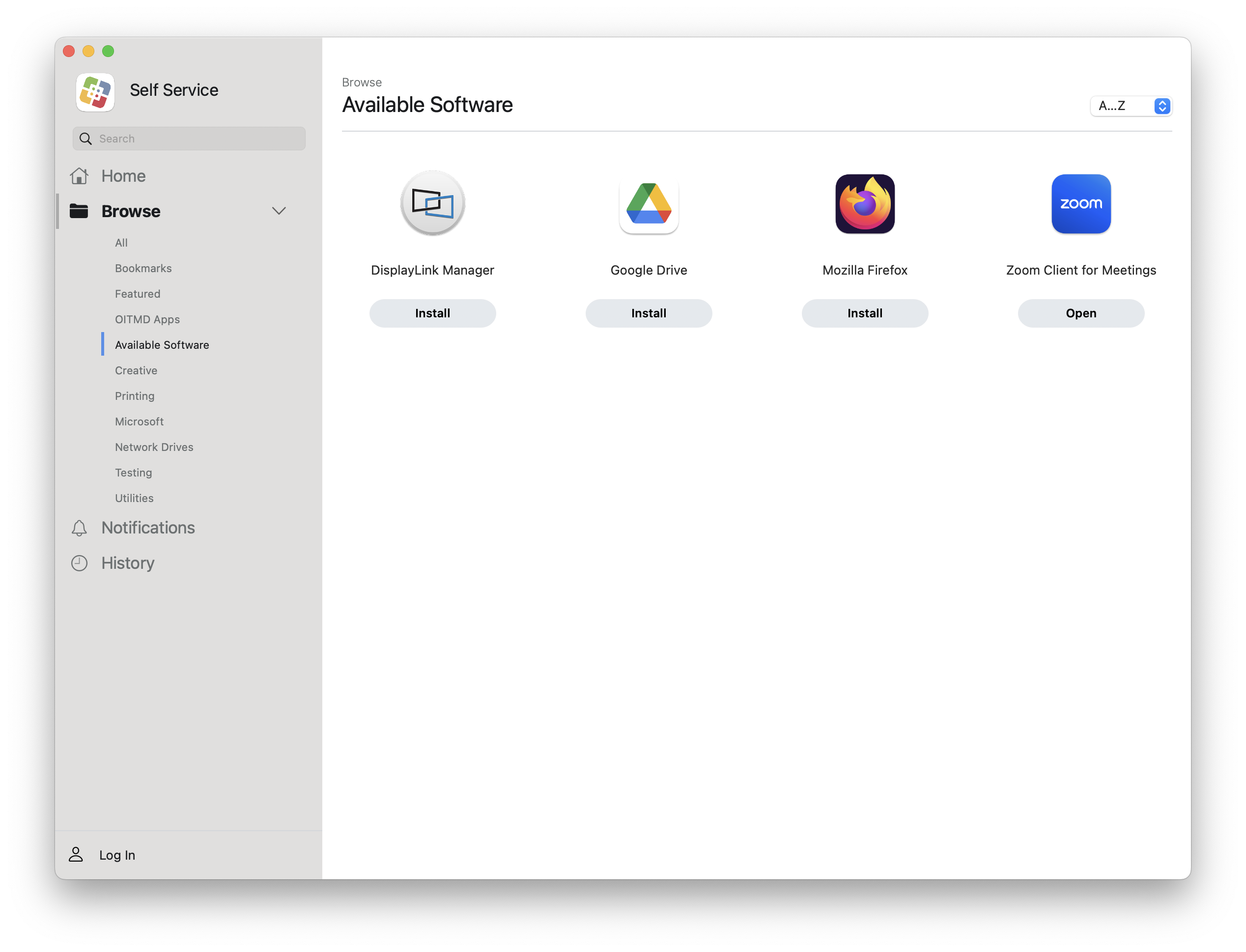
Install Applications
Install the applications that you need to accomplish your assigned tasks. Some examples of applications that can be installed are Creative Cloud, Microsoft Office, NCSU Community applications, etc. All categories are listed on the left side menu. Each application type has been put into a category for easy searchability.
Category Examples:

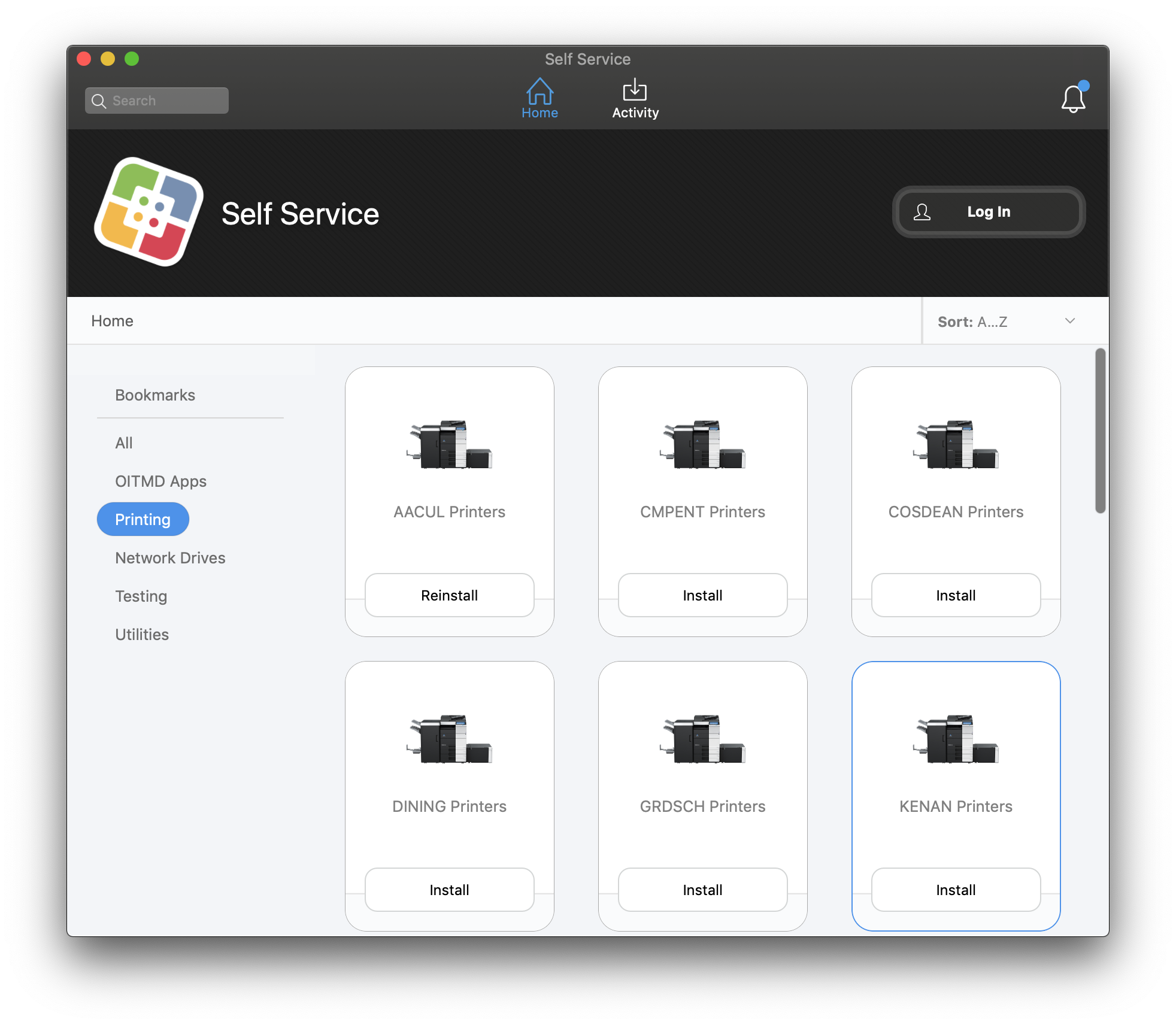
Add Printers
You are able to connect to department printers with one-click ease.

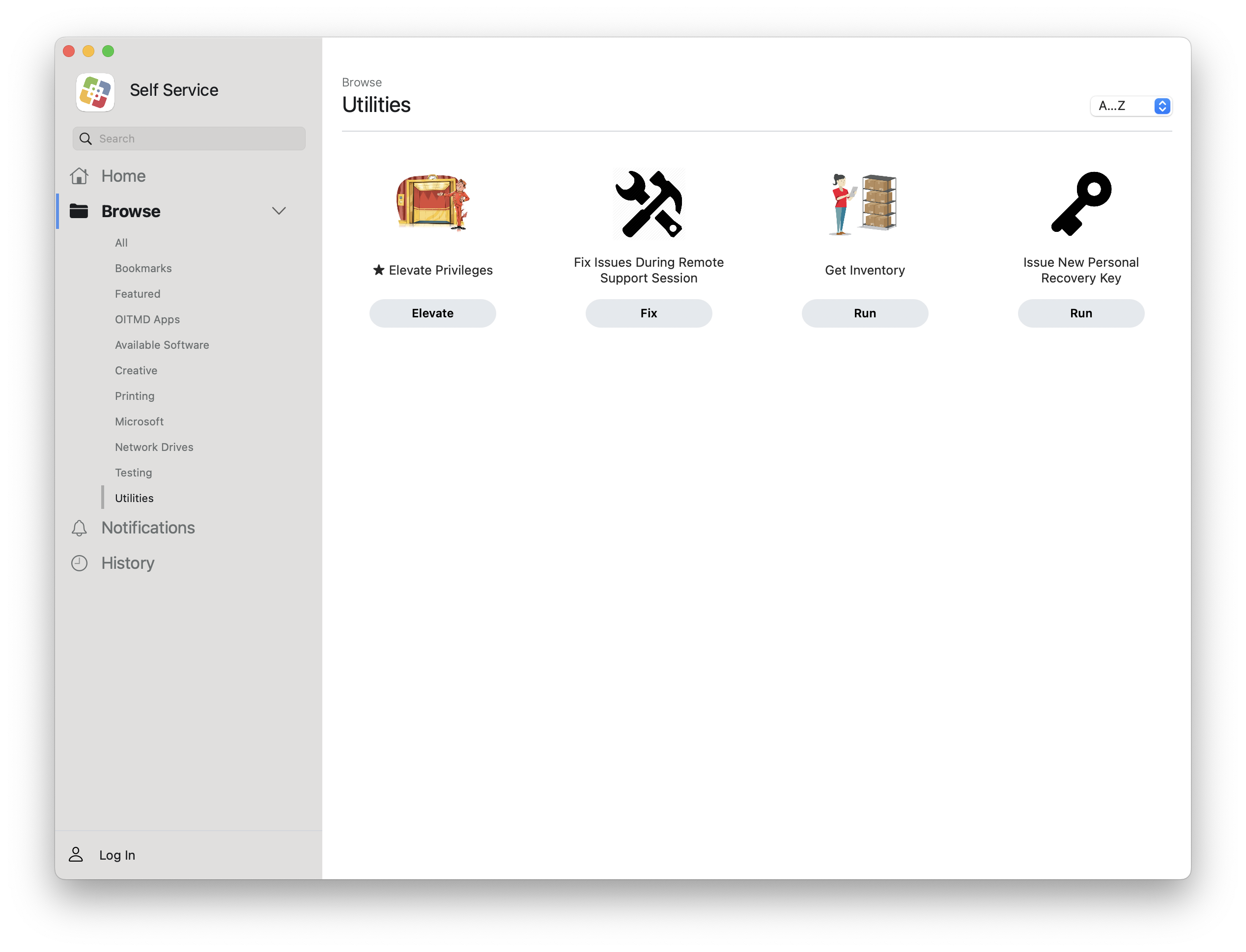
Perform system maintenance
NCSU and OIT have developed a number of tools that allow users to run a variety of maintenance scripts through a graphical user interface front end.
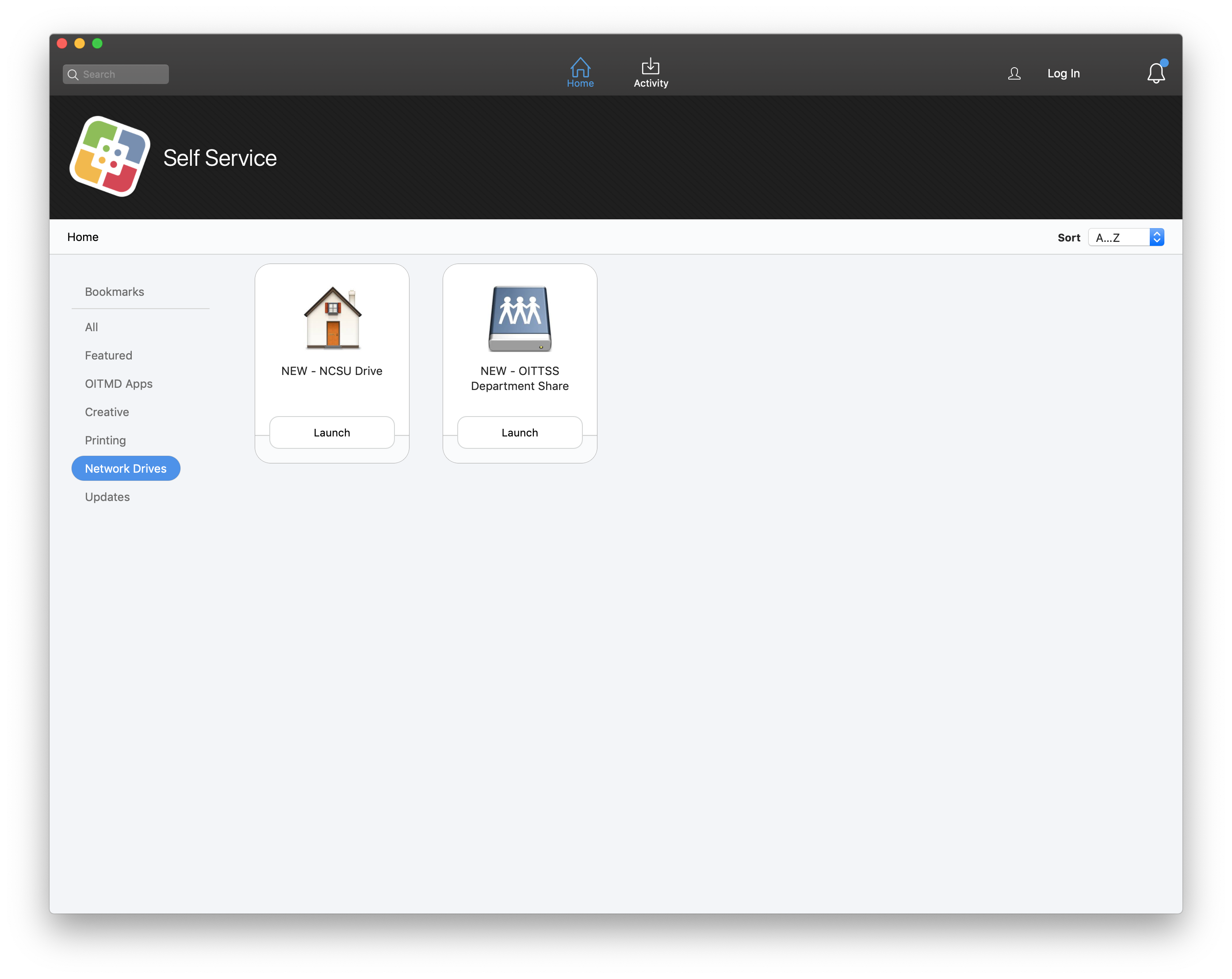
Access Storage
Access your home and department network shares.
Escalation
Any questions on process or content contained in this document should be escalated through the NC State Help Desk and a have an incident assigned to the OIT_DESKTOP_SUPPORT ServiceNow queue.
Related Documentation
Self Service from Jamf Pro (vendor site)
Overview of Self Service from the Product Vendor
Title: Using Self Service tools on macOS Computers
Service: Desktop and Mobile Device Support
Template if applicable: NA
Assignment Group(s): OIT_SUPPORT_TECHNICAL
Document Owner: OIT_SUPPORT_TECHNICAL
Available Priorities: All Priorities
Keywords: apple, macos, mac, self, service, self service, software center, jamf, jamf pro