26.0 - Updated on 2025-03-03 by Peyton Armstrong
25.0 - Updated on 2024-10-16 by Darrick Bremner
24.0 - Updated on 2024-05-16 by Darrick Bremner
23.0 - Updated on 2024-05-06 by Peyton Armstrong
22.0 - Updated on 2024-05-06 by Darrick Bremner
21.0 - Updated on 2024-05-06 by Darrick Bremner
20.0 - Updated on 2024-04-26 by Peyton Armstrong
19.0 - Updated on 2024-04-26 by Peyton Armstrong
18.0 - Updated on 2024-04-26 by Peyton Armstrong
17.0 - Updated on 2024-04-26 by Peyton Armstrong
16.0 - Updated on 2024-04-25 by Peyton Armstrong
15.0 - Updated on 2024-04-25 by Peyton Armstrong
14.0 - Updated on 2024-04-25 by Peyton Armstrong
13.0 - Updated on 2024-04-25 by Peyton Armstrong
12.0 - Updated on 2024-04-25 by Peyton Armstrong
11.0 - Updated on 2023-11-07 by Peyton Armstrong
10.0 - Updated on 2023-11-07 by Peyton Armstrong
9.0 - Updated on 2023-09-28 by Peyton Armstrong
8.0 - Updated on 2023-09-28 by Peyton Armstrong
7.0 - Updated on 2023-09-28 by Peyton Armstrong
6.0 - Updated on 2023-09-28 by Peyton Armstrong
5.0 - Updated on 2023-09-28 by Peyton Armstrong
4.0 - Updated on 2023-09-28 by Peyton Armstrong
3.0 - Updated on 2023-09-28 by Peyton Armstrong
2.0 - Updated on 2023-09-28 by Peyton Armstrong
1.0 - Authored on 2023-09-28 by Peyton Armstrong
EPS Notification for macOS
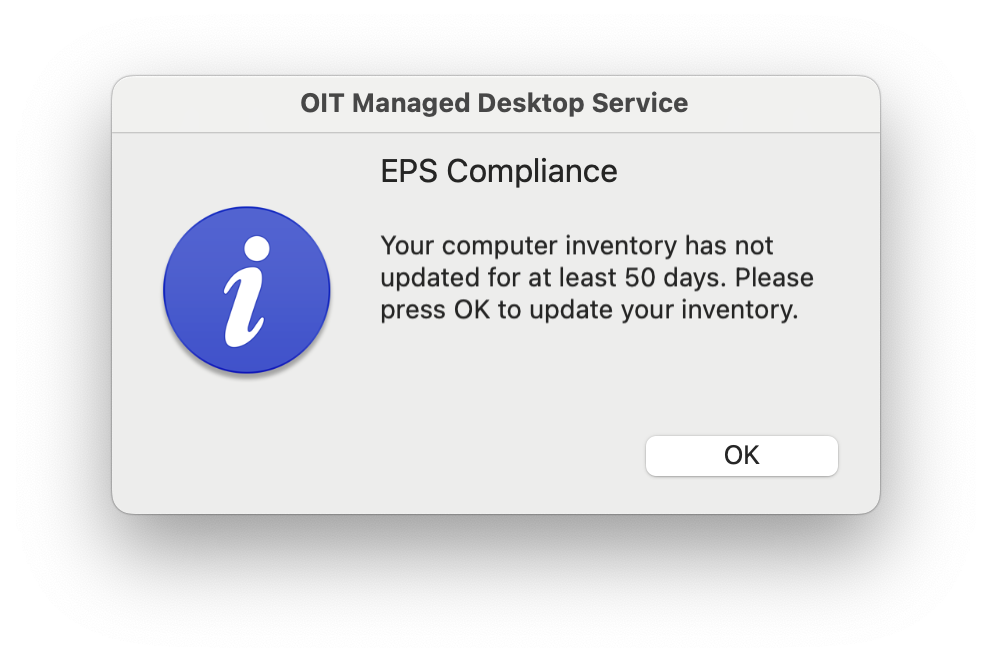
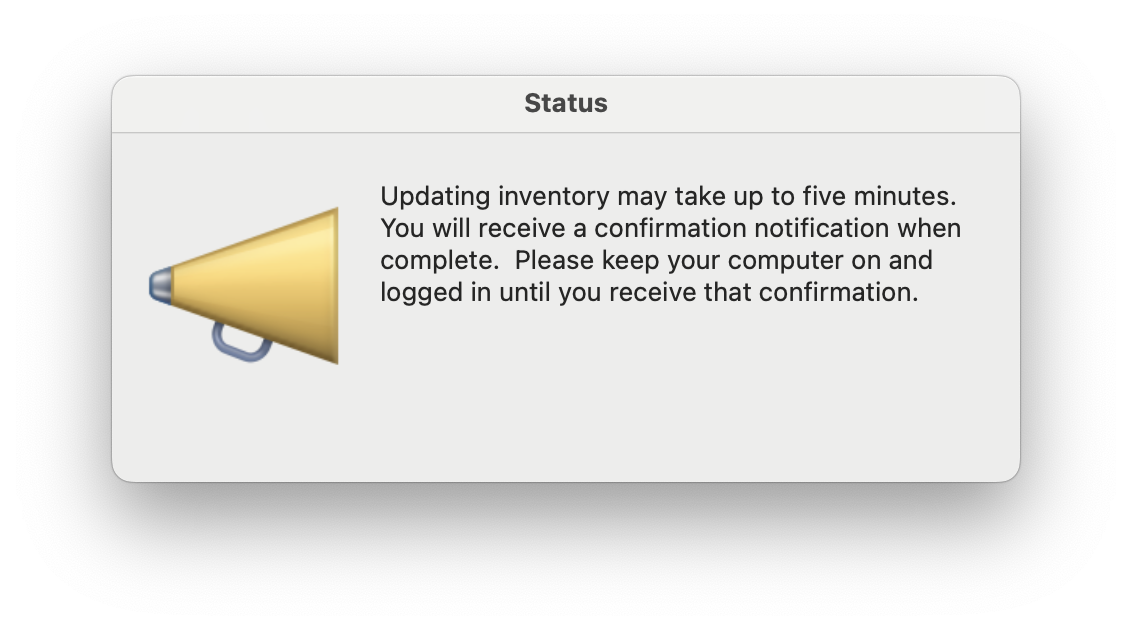
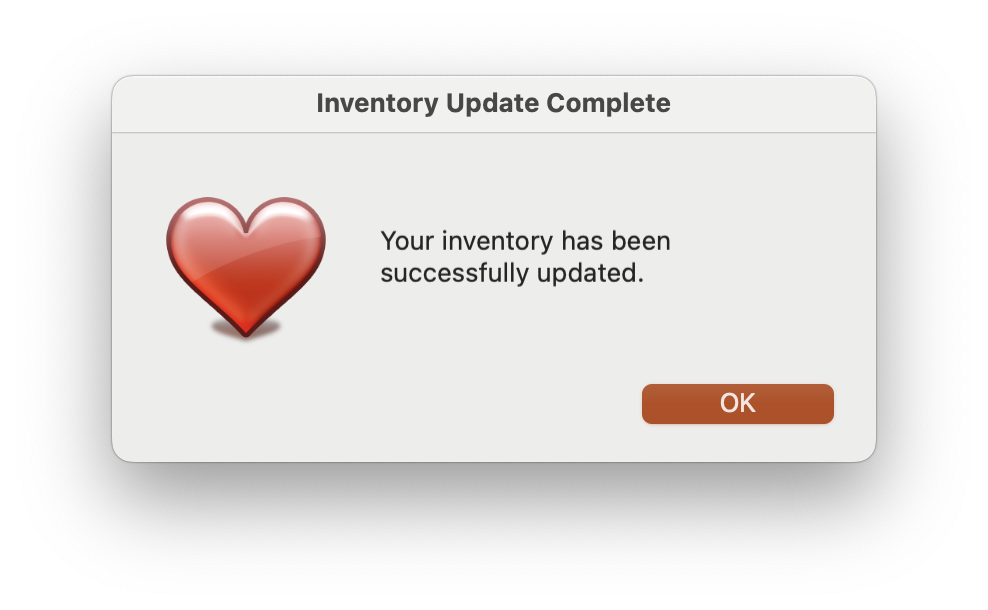
The following notification is automatically triggered for any macOS computer managed by OIT-MDS if either of the following conditions are met:
- The computer has not checked-in with our CMS within 45 days
- The computer has not updated inventory with our CMS within 45 days
If the computer is in scope (see above criteria), and this notification needs to be launched manually it can be done the following ways:
- Self Service -> Compliance category -> "EPS - Update Inventory" policy
- Terminal ->
sudo jamf policy -event eps
For OIT Managed Desktop Services Customers